Wolfia Blog
Insights on building and scaling customer trust in enterprise sales

 Naren · April 13, 2026
What Is Compliance Monitoring? A Complete Guide
 Naren · April 13, 2026
What Is a Risk Register? A Complete Guide for Security Teams
 Naren · April 13, 2026
What Is a SIG Questionnaire? A Complete Guide
 Naren · April 5, 2026
Best Compliance Management Software: Top 10 Compared
 Naren · April 5, 2026
Best RFP Software: User Reviews and Comparisons
 Naren · April 5, 2026
DDQ Meaning: Complete Guide to Due Diligence Questionnaires
 Naren · April 5, 2026
Due Diligence Questionnaires: Complete Guide with Examples
 Naren · April 5, 2026
RFP Meaning in Business: Guide to Requests for Proposals
 Naren · April 5, 2026
Security Questionnaires: Guide for Vendors and Buyers
 Naren · March 30, 2026
What Are the Best AI-Powered Security Questionnaire Tools
 Naren · March 30, 2026
What Are the Best AI Tools for Security Addenda Review? (March 2026)
 Naren · March 30, 2026
Best Knowledge Management Systems for Security Documentation
 Naren · March 30, 2026
Best Portal Integration Tools for OneTrust and ServiceNow
 Naren · March 30, 2026
Security Questionnaire Automation: Complete Guide for March 2026
 Naren · March 30, 2026
SecurityPal AI Reviews, Pricing, and Alternatives (March 2026)
 Naren · March 30, 2026
SecurityScorecard Reviews, Pricing, and Alternatives (March 2026)
 Naren · March 30, 2026
SOC 1 vs SOC 2: Which Report You Need in 2026
 Naren · March 30, 2026
SOC 2 Compliance Requirements: Complete Guide for March 2026
 Naren · March 30, 2026
Third-Party Risk Management: Complete Guide for March 2026
 Naren · March 30, 2026
What Are Compliance Frameworks? Complete Guide for 2026
 Naren · March 30, 2026
What Are Security Questionnaires? A Complete Guide for March 2026
 Naren · March 30, 2026
What Is DDQ? A Complete Guide to Due Diligence
 Naren · March 30, 2026
What Is an RFP? The Complete Guide to Requests for Proposals in 2026
 Naren · March 30, 2026
What Is a SOC 2 Report? A Complete Guide for 2026
 Naren · March 30, 2026
Wolfia vs Arphie: Which Tool Works Better for Your Team? (March 2026)
 Naren · March 9, 2026
Best Contract Redlining Tools for Security Teams in March 2026
 Naren · March 9, 2026
Best Trust Center Software for SaaS Security Teams (March 2026 Update)
 Naren · March 9, 2026
Top Chrome Extensions for Security Questionnaires
 Naren · March 9, 2026
Top Vendor Security Assessment Platforms
 Naren · February 28, 2026
Top 10 GRC Tools and Software for February 2026
 Naren · February 28, 2026
Trust Center Implementation Guide: Complete Best Practices (2026)
 Naren · February 28, 2026
Wolfia vs SecurityPal AI: Which is Better? (February 2026)
 Naren · February 16, 2026
Best Security Questionnaire Automation Tools
 Naren · February 16, 2026
Conveyor Reviews, Pricing, and Alternatives
 Naren · February 16, 2026
SafeBase Reviews, Pricing & Competing Options (February 2026)
 Naren · February 16, 2026
Vanta Reviews, Pricing, and Alternatives (February 2026)
 Naren · February 16, 2026
Wolfia vs Conveyor for Security Questionnaires
 Naren · February 16, 2026
Wolfia vs Vanta for Security Questionnaires
 Naren · January 30, 2026
Advanced Analytics for Security, GRC, and Sales
 Naren · January 29, 2026
Explain: Decode any security question instantly
 Naren · January 28, 2026
Knowledge Hub: Every source, every expert, one warehouse
 Naren · January 27, 2026
Chrome Extension: Answer questionnaires directly in vendor portals
 Naren · January 26, 2026
Ask Wolfia: Your company knowledge, one question away
 Naren · January 20, 2026
Repetition is a bug
 Naren · August 11, 2025
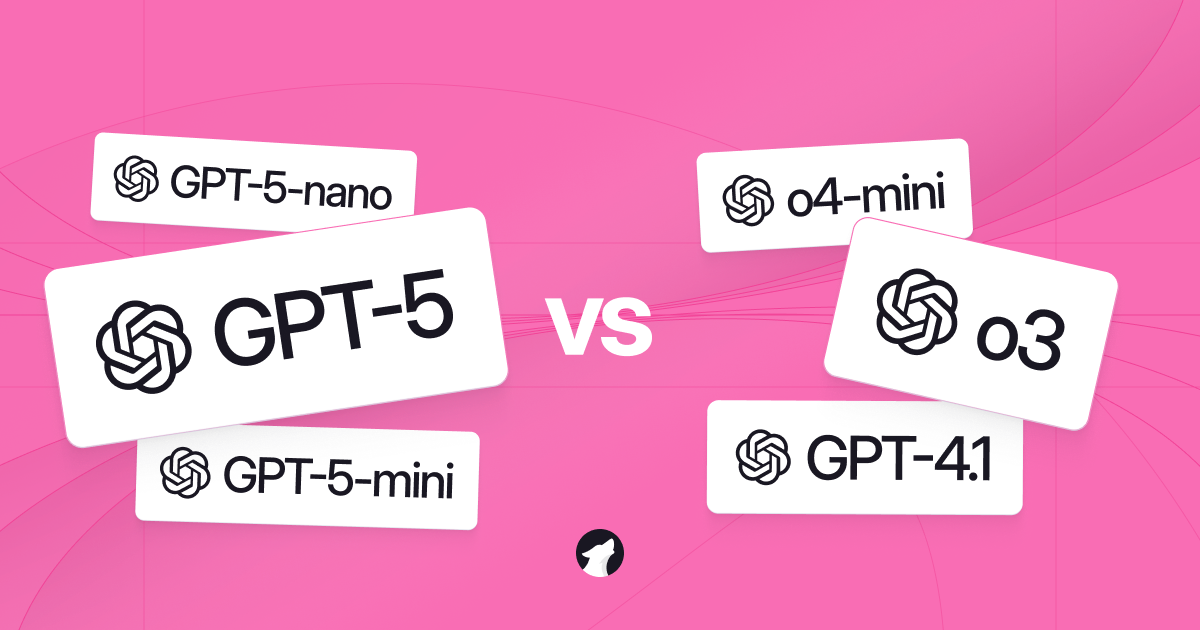
GPT-5 Benchmark: Performance, Latency, and Cost
 Naren · August 6, 2025
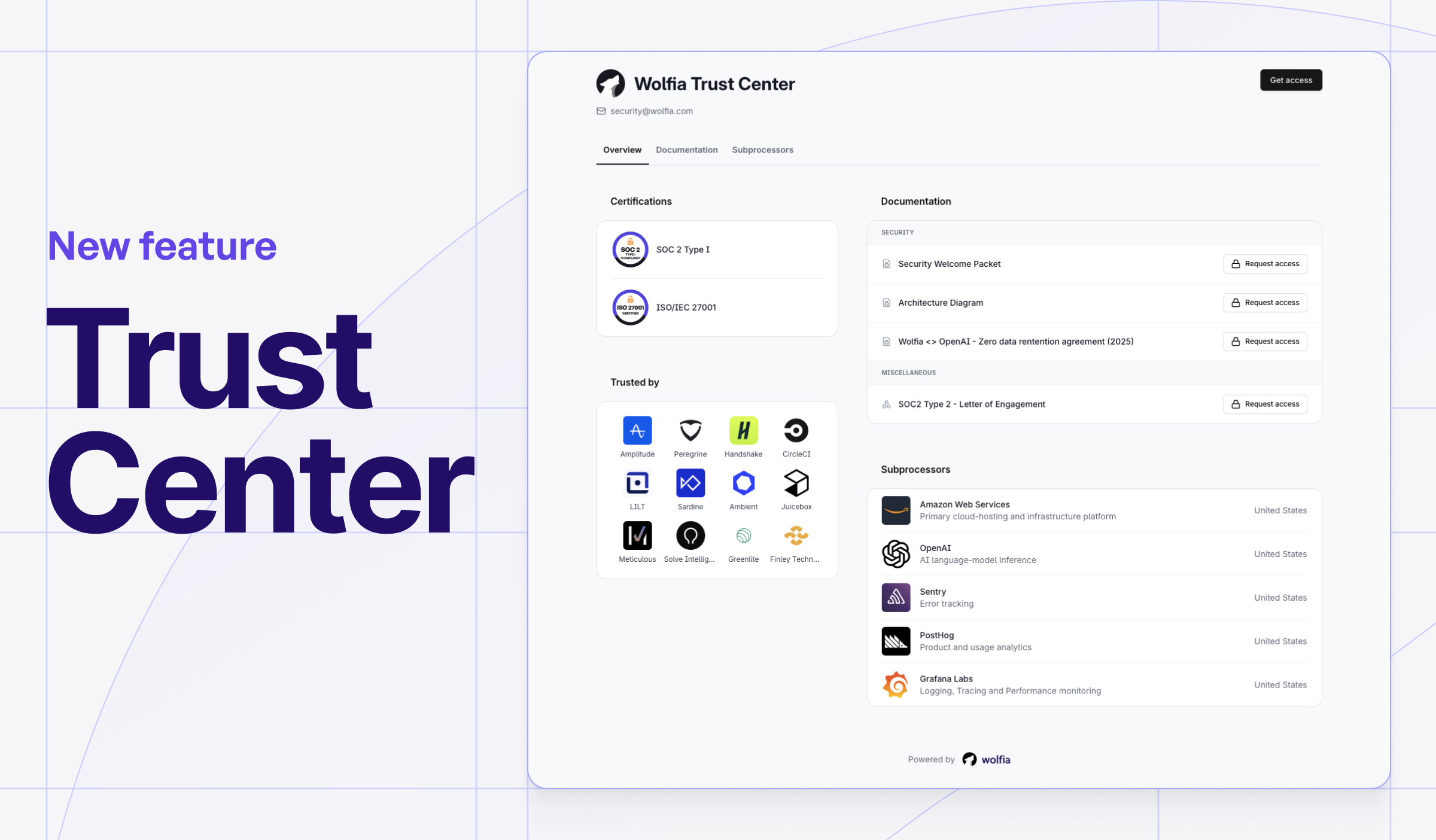
Introducing: The trust center that delights customers
 Naren · February 28, 2025
o3-mini vs GPT-4o for Technical Sales Accuracy

 Naren, Bryan, Erik · February 13, 2025
Oneleet and Wolfia partner to automate security questionnaires

 Naren, Garrett, Blake · September 4, 2024
Wolfia x AmplifyGRC: Enterprise Security Compliance
 Naren · March 18, 2024
Announcing our ISO 42001 partnership with Insight Assurance