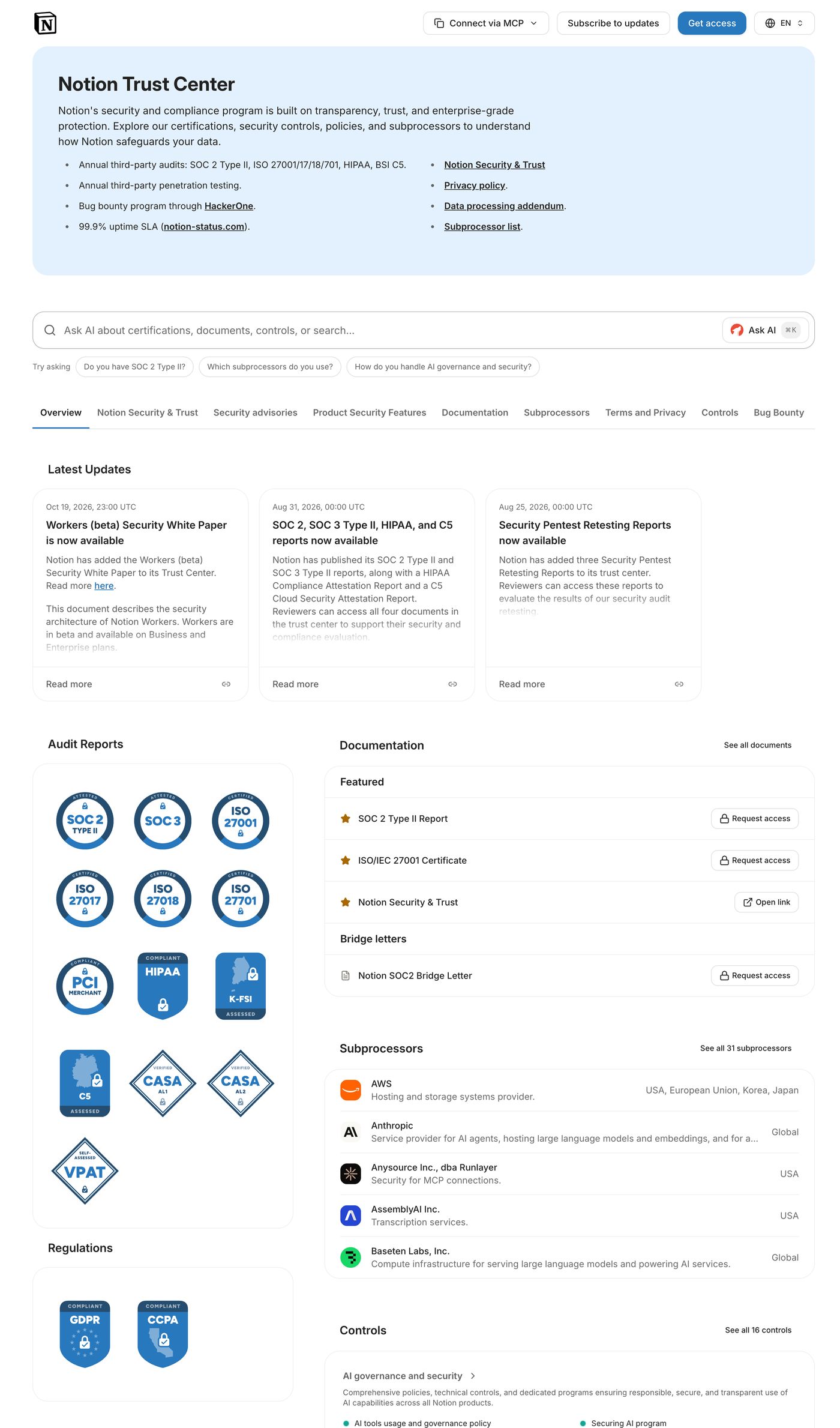
Give your buyers a trust center like the one you just used
Buyers request your documents, sign your NDA once and read your security answers without emailing your team. Wolfia runs it on your own domain.
Without a trust center, Amplitude's security team asks for a SOC 2 report and the request travels from the account executive to the #security Slack channel, a solutions engineer, the GRC lead and legal before the report reaches Amplitude six days later.




Trust centers running on Wolfia












- Companies reviewing vendors on Wolfia trust centers
- 10K+
- To approve access automatically
- Under a second
- Security questions answered
- 1M+
Set up a trust center in three steps
01
Publish it on your own domain
Add your certifications, reports, policies and subprocessors, then point a CNAME at Wolfia. The page runs at trust.yourcompany.com with your logo and colors, and Wolfia handles the certificate and the CDN.
02
Decide who sees what
Requests are matched against Salesforce, so current customers and open opportunities auto-approve. One reusable NDA covers the whole library.
03
Keep it current without editing it
The page reads from the same knowledge base that answers your security questionnaires, so a renewed SOC 2 shows up on its own.





The questionnaires that still arrive get drafted for you
Some buyers will still send a spreadsheet. Wolfia drafts answers from your own policies, past questionnaires and SOC 2 report, and cites the document behind each one so your reviewer can check it.
Publish your own trust center
It runs on your own domain with unlimited viewers, and one reusable NDA covers every document in it.