















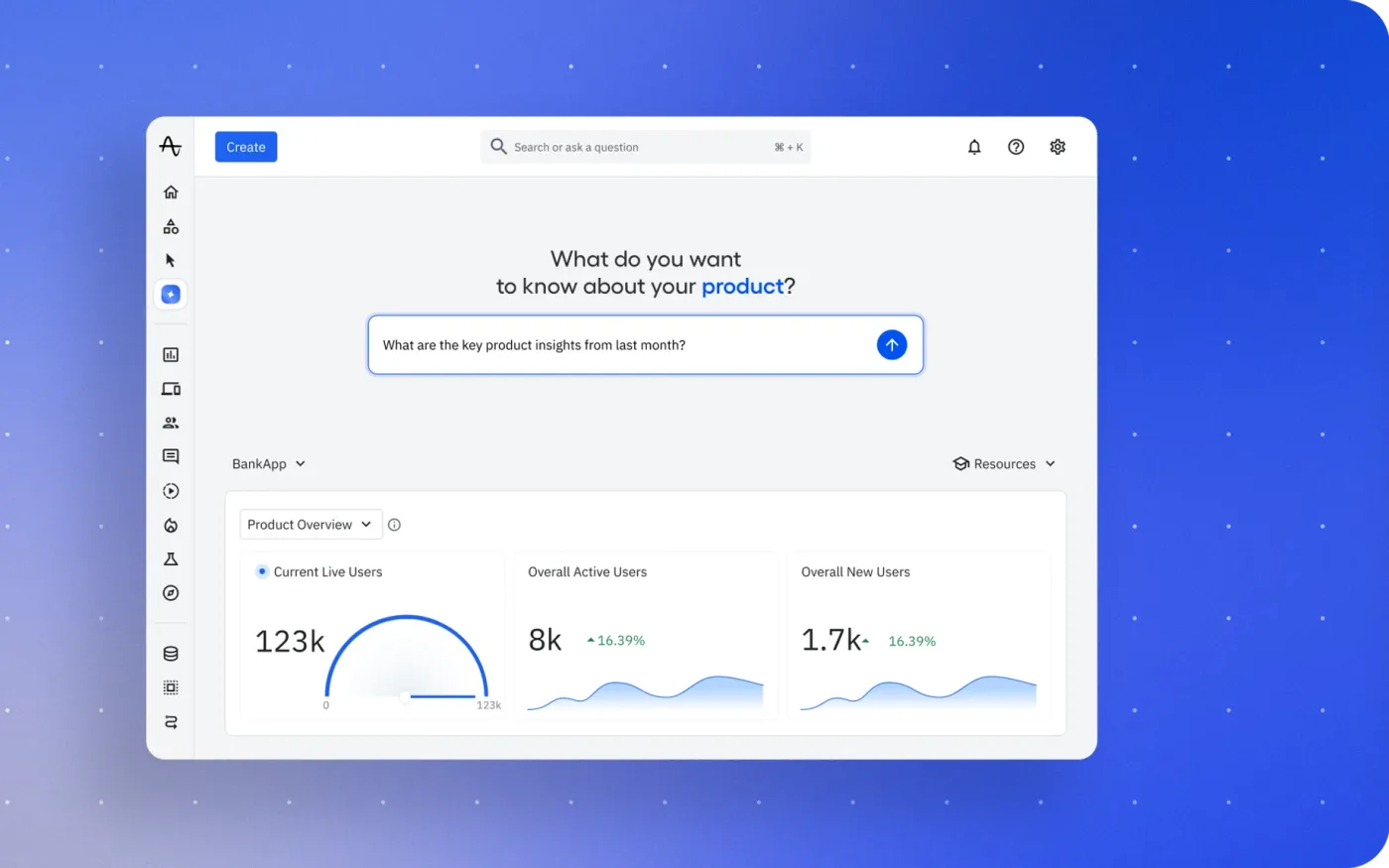

How Amplitude handles 400+ security questionnaires a year with a single reviewer
$1.5M+
Annual value delivered
Hours
Per security review, down from weeks
No one’s the blocker anymore. You can get away with 80 to 90% of the work being offloaded to AI. If you don’t have the right data we’re not going to guess. We’re just going to say we can’t find the data.
Built for GRC, customer trust and sales engineering teams.
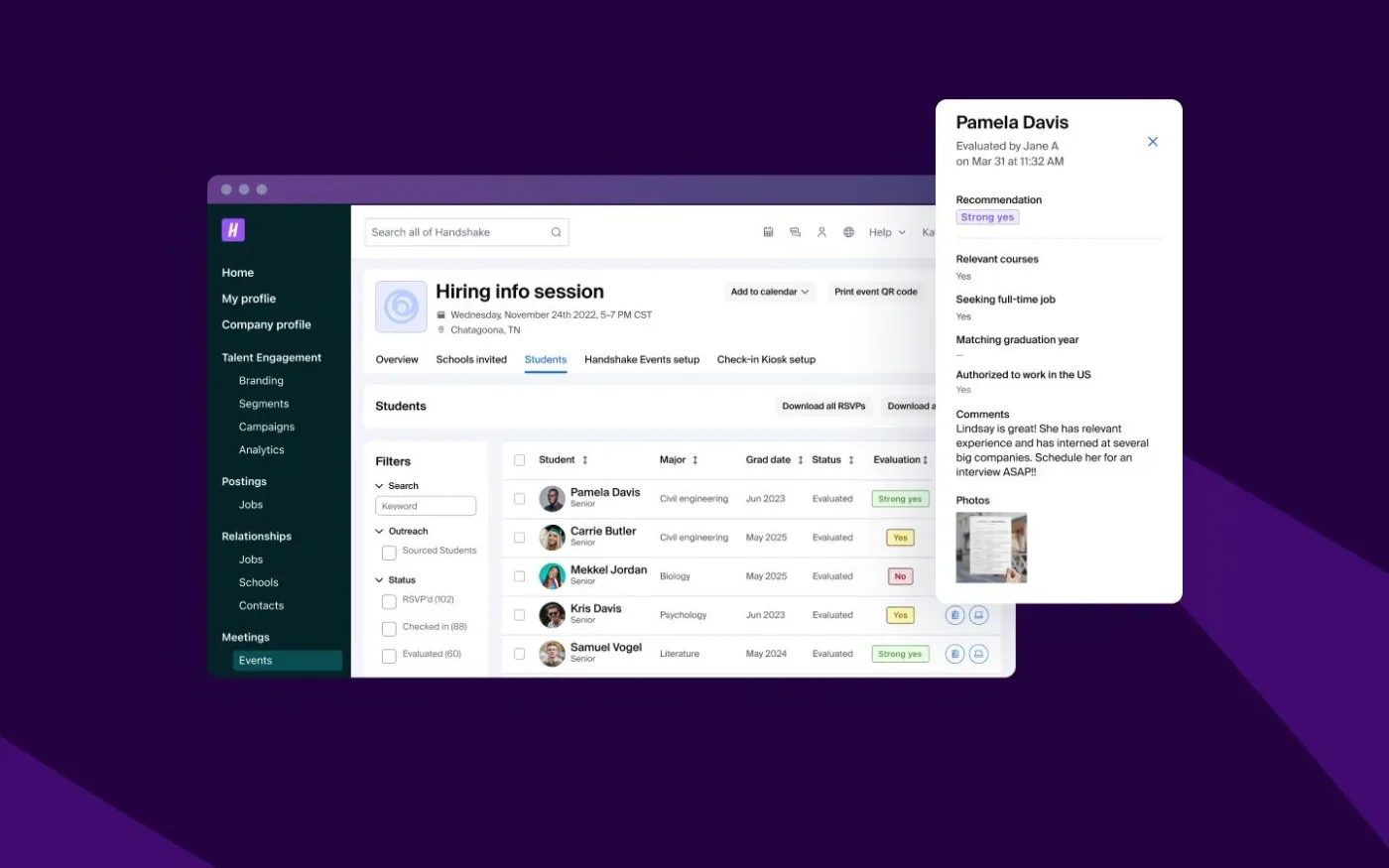
Handshake’s SIG Lite workbook with 126 questions fills in row by row. 122 answers cite a source such as the SOC 2 Type II report, the encryption standard or the 2026 penetration test summary, and 4 with no evidence go to the GRC lead instead of being guessed. 97% of the questionnaire is answered automatically, and the workbook is exported as Excel and sent back to Handshake on Monday, ahead of its Friday due date.
01
Policies, prior questionnaires, your SOC 2 report, and live syncs from Confluence, Google Drive, Notion, Slack, and Drata. Answers come from what you have documented, not from a general-purpose model.
02
Wolfia parses the questionnaire (Excel, Word, PDF, screenshots, nested tables, checkboxes buried in cells) and drafts each answer with a link to its source. Anything it cannot ground is routed to the subject matter expert who owns the topic instead of guessed.
03
Excel comes back as Excel with answers in the right cells. Word comes back as Word with formatting intact. No copy-paste and no reformatting.
04
The Chrome extension fills OneTrust, ServiceNow, ProcessUnity, UpGuard, Zip, and dozens more directly in the portal, including the ones that never let you export.
Drafting becomes reviewing. Your subject matter experts only touch the questions where Wolfia is unsure or found nothing.
Security questionnaire software uses AI to answer the vendor security assessments your customers and prospects send before they buy. Instead of a security or GRC engineer re-typing the same answers into every new spreadsheet and portal, the software reads each question, finds the matching evidence in your own documentation, drafts an answer, and hands a human a review queue instead of a blank template.
These assessments arrive in many shapes, including a Standardized Information Gathering (SIG) questionnaire, a Cloud Security Alliance CAIQ, a Vendor Security Alliance (VSA) questionnaire, a due-diligence questionnaire (DDQ), a custom Excel workbook, or a hosted portal like OneTrust, ServiceNow, ProcessUnity, or UpGuard. The questions rhyme across all of them, which is exactly why automation works. Your answer to "describe your encryption at rest" does not change because the question moved from row 42 of a spreadsheet to a checkbox in a portal.
The goal of this software is not to remove humans. It is to move the human from author to reviewer, so an expert confirms an answer in seconds instead of drafting it from scratch, and so the same question is never answered twice from memory.
Modern AI security questionnaire tools follow the same four stages. Understanding them is the fastest way to tell a genuine automation platform from a glorified find-and-replace.
The tool parses whatever the customer sent (Excel, Word, PDF, screenshots, OneTrust native, ServiceNow, ProcessUnity) into a clean list of questions, including nested tables and checkboxes buried in cells. Weak extraction is where most automation quietly loses questions before it answers a single one.
Each question is matched against your real corpus of policies, your SOC 2 report, prior questionnaires, and internal docs. The answer is retrieved from what you have actually documented, not invented by a general-purpose model.
Every drafted answer points back to the exact source it came from. A reviewer verifies the citation, not the prose, which is the difference between rubber-stamping and being able to defend the answer to an auditor.
The finished answers go back where they came from (Excel as Excel, Word as Word, and portals filled inside the portal) with no copy-paste and no reformatting.
Between grounding and fill, a good platform routes the questions it could not answer with confidence to a human, and folds every correction back into the knowledge base so the next questionnaire starts from a better baseline.
Most security questionnaire software demos look identical. You paste a questionnaire and watch answers appear. The differences that matter show up on the second and tenth questionnaire, not the first. Here is what to evaluate.
A static answer library scores well on none of these over time, because a human has to maintain it by hand and it goes stale the moment a policy changes. The question to ask any vendor is simple. When our SOC 2 report is renewed, what do we have to do for the answers to stay correct? For a side-by-side of ten vendors on these criteria, see our ranking of the best security questionnaire automation tools.
The failure mode of AI security questionnaire software is not a wrong answer you can see. It is a confident, well-written answer that is subtly false and has no source attached, so nobody catches it until a customer's security reviewer does.
A questionnaire answer is a claim your company is legally and reputationally on the hook for. "Yes, we encrypt data at rest with AES-256" is either backed by evidence or it is a liability. Automation that generates fluent prose without a citation moves the fact-checking burden back onto the reviewer, which is the exact work automation was supposed to remove. You end up re-reading every answer against the source anyway, and the time savings evaporate.
This is why grounding and verification are the whole game. An answer you cannot trace to a source is not automated, it is just faster to produce and slower to defend. Wolfia treats a missing source as a stop condition, so when there is no evidence it flags the question for a human instead of guessing.
Wolfia grounds every answer in your live corpus, cites the source, and learns from every correction, so accuracy compounds instead of resetting each cycle.
Excel, Word, PDF, screenshots, OneTrust native, ServiceNow, ProcessUnity. Nested tables and checkboxes-in-cells included. No manual preprocessing.
Every answer points to the policy, SOC 2 section, or prior questionnaire it came from. You verify the source, not the prose.
Fix an answer once and it applies to every future questionnaire. Accuracy compounds instead of resetting every cycle.
The Chrome extension fills OneTrust, Zip, ProcessUnity, ServiceNow, UpGuard, and dozens more natively, including nested tables. Excel comes back as Excel, Word as Word.
Wolfia is SOC 2 Type II certified, with per-tenant isolation, and your documents are never used to train shared models. See how security and GRC teams run this end to end in Wolfia for security, GRC and trust.
Security, GRC, and sales teams that field a steady queue of security questionnaires, SIGs, CAIQs, VSAs, and RFPs and need accurate, cited answers out fast. Teams like Amplitude and Handshake use Wolfia to turn that queue from a bottleneck into a review step.
Security questionnaire software answers vendor security assessments (SIGs, CAIQs, VSAs, DDQs, and portal questionnaires) by reading each question, matching it to your own documentation, and drafting an answer for a human to review. It turns questionnaire response from authoring into reviewing.
The right tool for your team is the one that grounds every answer in your own evidence and cites it, fills the portals your customers actually use, and makes corrections persist across future questionnaires. Evaluate on citation quality, extraction fidelity, portal coverage, and data isolation rather than demo speed. Wolfia is built around exactly these.
AI security questionnaire tools extract the questions from any format, match each one against your knowledge base of policies and prior answers, draft a cited response, and fill it back into the original file or portal. Wolfia routes anything it cannot answer with confidence to a human instead of guessing.
They are accurate when they are grounded and cited. In Wolfia, every answer is traceable to a source in your corpus, and when there is no evidence Wolfia flags the question for a human rather than generating confident but unverifiable prose.
The Chrome extension fills OneTrust, ServiceNow, ProcessUnity, UpGuard, Zip, and dozens of other portals natively, including nested tables.
Wolfia is SOC 2 Type II certified. Your knowledge base is scoped to your organization with per-tenant isolation, and your documents are never used to train shared models.
$1.5M+
Annual value delivered
Hours
Per security review, down from weeks
90%
Of questionnaire work done by AI
<2 days
Turnaround, down from five
“The sales team thinks it’s magic. They send in a questionnaire and get responses back the same day.”

Garrett CloseHead of GRC
“If you haven’t been built as an AI-native platform supporting security and sales teams, you’re behind.”

StanleySecurity Compliance Lead
Wolfia reads your policies where they already live and answers in Slack, the buyer’s portal or the file they sent.
Knowledge sources
 Google Drive
 Notion
 Confluence
 SharePoint
 OneDrive
 GitHub
 GitLab
 Glean
Glean Guru
Guru Slab
Slab Mintlify
 Letter AI
Deal flow
 Salesforce
 HubSpot
 Gong
Gong Clari
Clari Momentum
 Slack
Slack Intercom
Compliance and contracts
 Vanta
Vanta Drata
Drata DocuSign
 Ironclad
 Jira
Jira LinkSquares
 Rippling
 Box
BoxQuestionnaire portals
 OneTrust
 ServiceNow
 SAP Ariba
 Coupa
Coupa ProcessUnity
 Whistic
 UpGuard
 Zip
Zip AuditBoard
 LogicGate
 Drata
Drata Panorays
See Wolfia answer your security questionnaires, RFPs, contract redlines and trust center requests. Unlimited seats and outcome-based pricing.
Book a demo